Speech APIs powering Voice AI
Low-latency speech-to-text for multilingual, multi-speaker conversations
Powering the world's best companies
Delivering 120X more with voice AI
Powering live content through AI-powered transcription, built on industry-leading voice AIEnabling 100,000+ developers with leading speech recognition

Pairing LiveKit’s flexible agent framework with Speechmatics to build world-class agentsRedefining real-time captioning

How NCI delivered a 99% increase in usage of automated captioningDelivering a 20% leap in accuracy improvements

Improved transcription performance across more than 20 languages for their global clientsDriving better conversations at scale
Leveraging speech recognition to track customer interactions, highlight key insights, and raise contact center performanceAccurate. Secure. Global.

Accurate. Secure. Global.
Speech technology built for companies with global reach and uncompromising standards for quality.
Voice AI that works where it matters most
From healthcare to live media, Speechmatics delivers real-world Speech APIs with low latency, multilingual capabilities, and built for scale.Voice AI that works where it matters most
Why developers choose our speech-to-text API
Uncompromised, enterprise-level security
Enterprise security tools and controls, built for privacy-critical workflows.
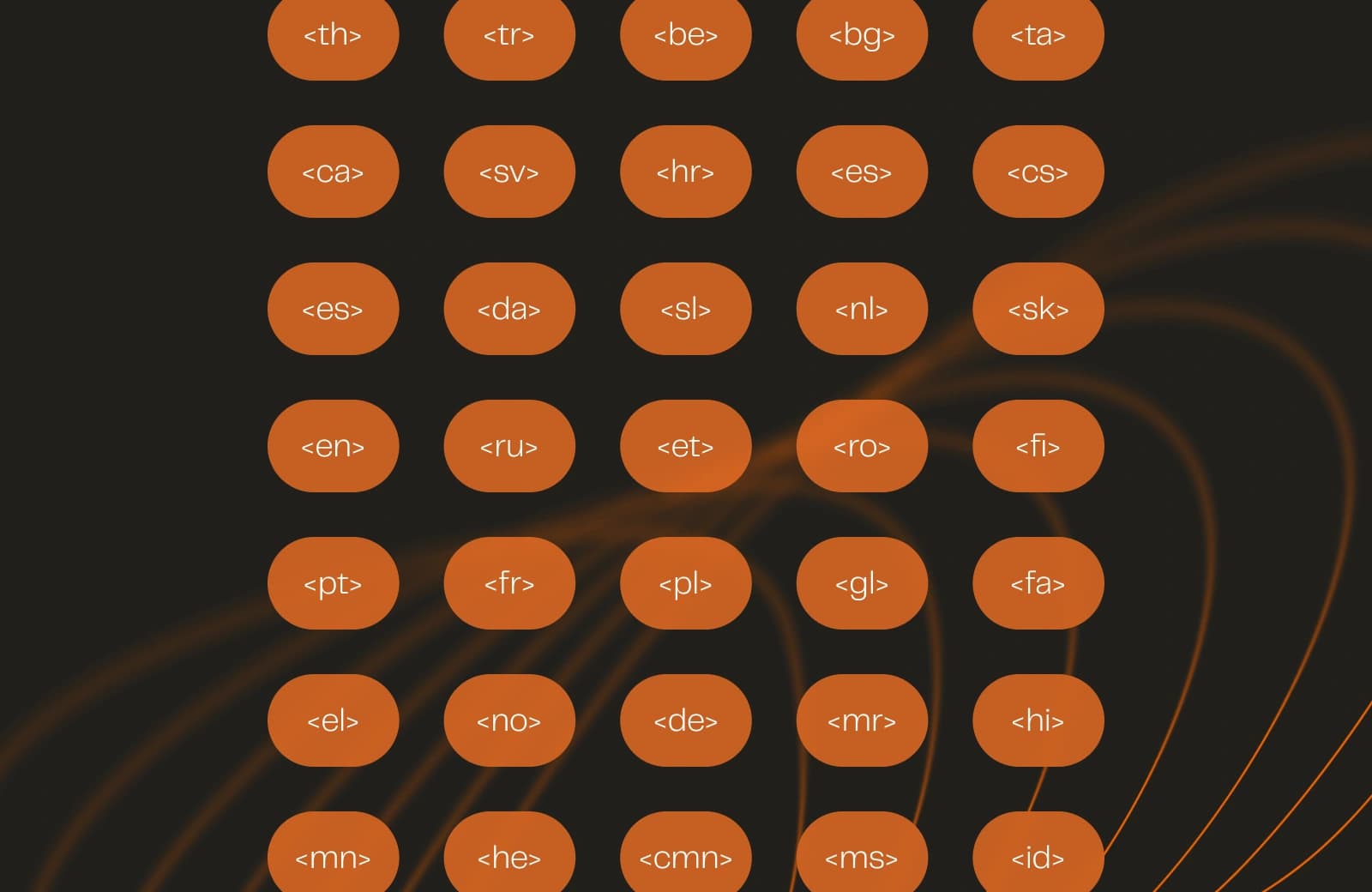
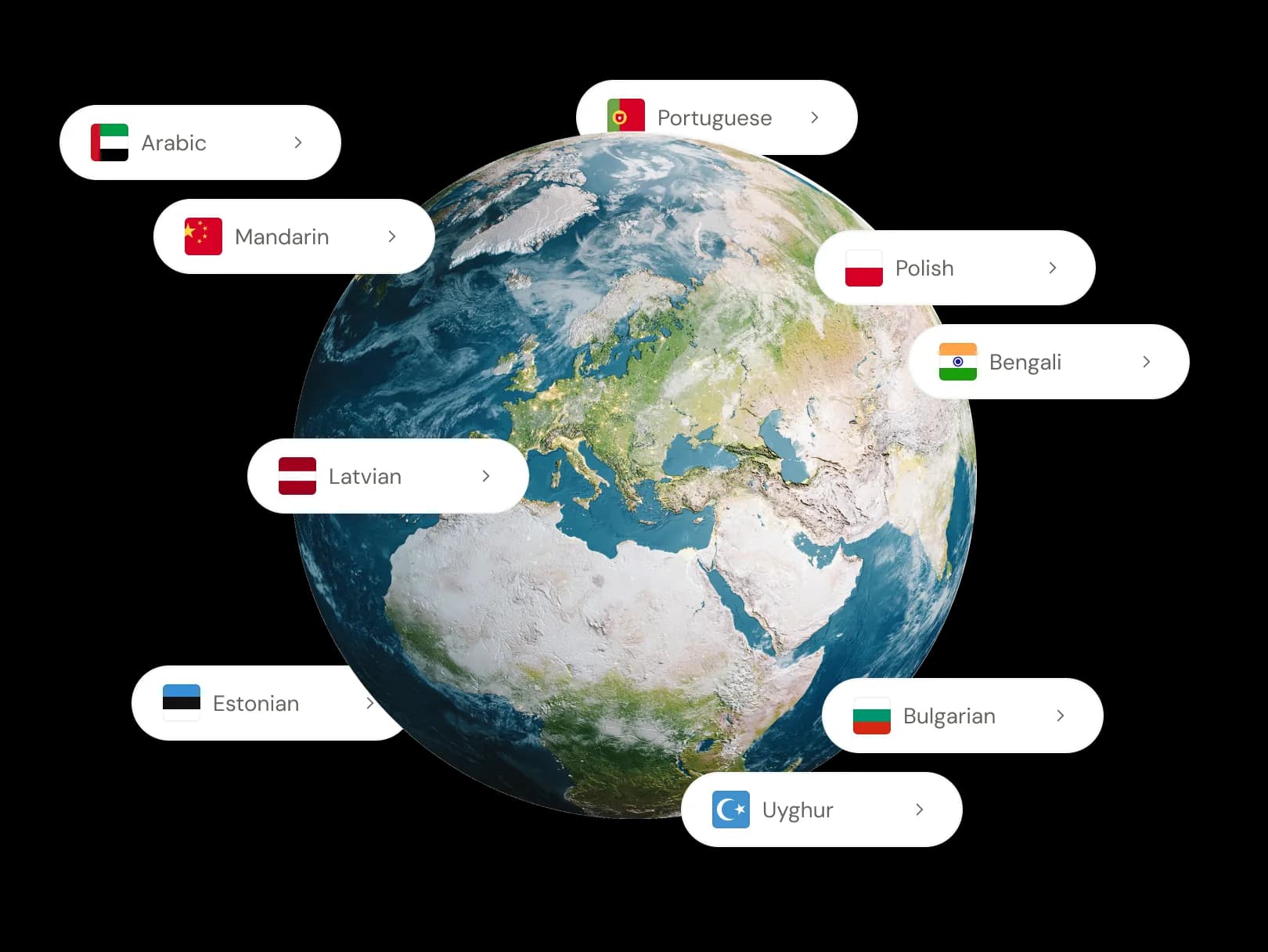
Speech-to-text API built for every language and accent
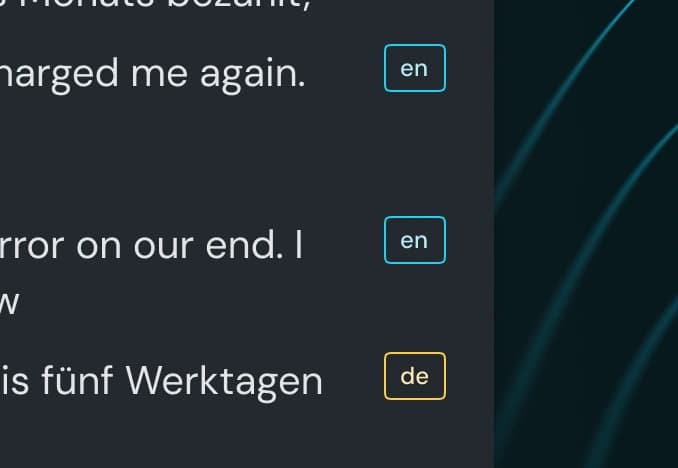
Reach more users with a speech recognition API that handles the way people actually talk: regional accents, multiple speakers, and 56+ languages, including conversations where speakers switch mid-sentence.
One voice AI API powers live captions, voice agents, meeting notes, and contact center analytics across international markets. For the full technical breakdown, see our speech-to-text API.

Speech-to-text API pricing that scales
Start with $100 in credit, no card required. With volume options and enterprise support when your product is ready for more.
# Install the speechmatics package using the command "pip install speechmatics-rt"
#!/usr/bin/env python3
"""Real-time transcription with microphone."""
import asyncio
import os
from dotenv import load_dotenv
from speechmatics.rt import (
AsyncClient,
ServerMessageType,
TranscriptionConfig,
TranscriptResult,
OperatingPoint,
AudioFormat,
AudioEncoding,
Microphone,
AuthenticationError,
)
load_dotenv()
async def main():
api_key = os.getenv("SPEECHMATICS_API_KEY")
transcript_parts = []
audio_format = AudioFormat(
encoding=AudioEncoding.PCM_S16LE,
chunk_size=4096,
sample_rate=16000,
)
transcription_config = TranscriptionConfig(
language="en",
enable_partials=True,
operating_point=OperatingPoint.ENHANCED,
)
mic = Microphone(
sample_rate=audio_format.sample_rate,
chunk_size=audio_format.chunk_size,
)
if not mic.start():
print("PyAudio not installed. Install: pip install pyaudio")
return
try:
async with AsyncClient(api_key=api_key) as client:
@client.on(ServerMessageType.ADD_TRANSCRIPT)
def handle_final_transcript(message):
result = TranscriptResult.from_message(message)
transcript = result.metadata.transcript
if transcript:
print(f"[final]: {transcript}")
transcript_parts.append(transcript)
@client.on(ServerMessageType.ADD_PARTIAL_TRANSCRIPT)
def handle_partial_transcript(message):
result = TranscriptResult.from_message(message)
transcript = result.metadata.transcript
if transcript:
print(f"[partial]: {transcript}")
try:
print("Connected! Start speaking (Ctrl+C to stop)...\n")
await client.start_session(
transcription_config=transcription_config,
audio_format=audio_format,
)
while True:
frame = await mic.read(audio_format.chunk_size)
await client.send_audio(frame)
except KeyboardInterrupt:
pass
finally:
mic.stop()
print(f"\n\nFull transcript: {' '.join(transcript_parts)}")
except (AuthenticationError, ValueError) as e:
print(f"\nAuthentication Error: {e}")
if __name__ == "__main__":
asyncio.run(main())Resources
![[alt: Text to speech written inside a container]](/_next/image?url=https%3A%2F%2Fimages.ctfassets.net%2Fyze1aysi0225%2F648V1IXGjYSfJgEDRhT0TP%2F3c98b1594a987a16dc4c6ec17fb39738%2FTT-preview-1200x900_1_5x.webp&w=3840&q=75)
Best TTS APIs in 2026: Top 12 Text-to-Speech services for developers
From ultra-fast conversational AI to studio-quality narration, find the voice that matches your use case and budget.
![[alt: Sound waveform overlaid on legal documents representing word error rate in legal transcription]](/_next/image?url=https%3A%2F%2Fimages.ctfassets.net%2Fyze1aysi0225%2FQRSezBsdLCxs1BVUN8hS7%2F2039e32c7e69124576ed85a9fb8f90c5%2Fblog-image-wide-carousel__1_.webp&w=3840&q=75)
What Word Error Rate Is Acceptable for Legal Transcription?
Word error rate for legal transcription has no single acceptable threshold. But knowing how accuracy, audio quality, and review obligations connect to real legal risk is what separates a reliable transcript from a costly one.
![[alt: Court reporter shortage carousel]](/_next/image?url=https%3A%2F%2Fimages.ctfassets.net%2Fyze1aysi0225%2F2merK8OIQsF78D6bf8J4k8%2F900485ee565bcce115227fdfc74b2914%2Fblog-image-wide-carousel.webp&w=3840&q=75)
The court reporter shortage crisis: data, causes, and what legal teams are doing about it
The court reporter shortage is reshaping litigation. Explore data, causes, and how legal teams are using digital reporting and AI transcription to adapt.

How Nvidia Dominates the HuggingFace Leaderboards in This Key Metric
Why predicting durations as well as tokens allows transducer models to skip frames and achieve up to 2.82X faster inference.
![[alt: Healthcare professionals in scrubs and lab coats walk briskly down a hospital corridor. A nurse uses a tablet while others carry patient charts and attend to a gurney. The setting conveys a busy, clinical environment focused on patient care.]](/_next/image?url=https%3A%2F%2Fimages.ctfassets.net%2Fyze1aysi0225%2F3TUGqo1FcOmT91WhT3fgbo%2F9a07c229c11f8cbe62e6e40a1f8682c7%2FImage_fx__8__1-wide-carousel.webp&w=3840&q=75)
Why AI-native EHR platforms will treat speech as core infrastructure in 2026
As clinical workflows become automated and AI-driven, real-time speech is shifting from a transcription feature to the foundational intelligence layer inside modern EHR systems.
Speechmatics speech-to-text API: frequently asked questions
What is a speech-to-text API and how does it work?
A speech-to-text API converts spoken audio into written text inside an app, product or workflow. Speechmatics can process recorded files or live audio, then return transcripts for captions, search, analytics, records and voice AI.
Can I try Speechmatics for free?
Yes. New accounts get $100 in credit with no card required, so you can test transcription quality and language support before moving to a paid plan.
How accurate is Speechmatics on real-world audio?
In independent testing by Pipecat (as of August 2026), Speechmatics returned a 1.07% pooled word error rate, the lowest of the 12 services benchmarked, including Deepgram, AWS, and Azure. Read more in Speed you can trust: the STT metrics that matter for voice agents.
How many languages does Speechmatics support?
56+, with coverage across accents, dialects, and code-switching, where speakers move between languages mid-sentence.
Can Speechmatics tell speakers apart in a conversation?
Yes. Speaker diarization identifies and separates individual speakers in meetings, calls, legal proceedings, and healthcare consultations.
Is Speechmatics GDPR-compliant and suitable for regulated industries?
Yes. Speechmatics supports cloud, on-premise, and on-device deployment, and is ISO 27001, GDPR, HIPAA, and SOC 2 Type II compliant.